Give the customer a clear estimate.
Set parts and labor prices, review the scope of work, and share an estimate PDF. Your diagnosis process also supplies the report automatically, with no manual form to fill in. Review it and keep it for your job records.



See an example estimate.
Parts, labor, total price, scope of work and warranty terms in one document.
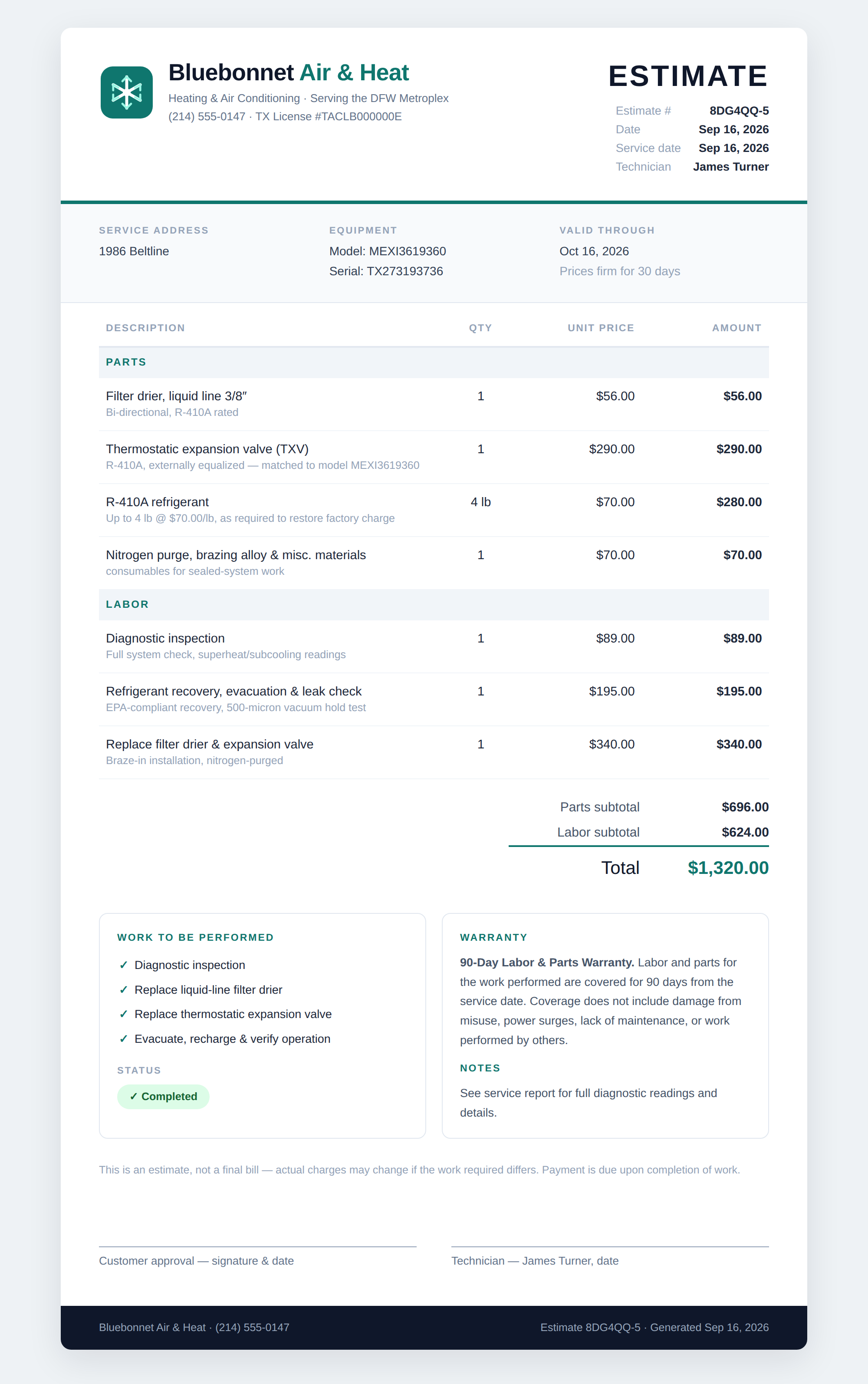
Review the price before you share.
Open Job Documents → Invoice & Estimate in the diagnosis.
- Set the price. Choose Update Price. Edit parts, quantities, unit prices and labor, or enter a flat total.
- Review the document. Check the scope of work and warranty terms. Untick lines you do not want printed.
- Export an estimate. Tick Export as Estimate, save, then use the share icon to email, message or save the PDF.
Your diagnosis becomes the report.
No need to fill in a separate report. ACLogics uses the equipment details, readings and checks from your diagnosis process to generate it. Review the findings, make any corrections, and keep the report with your job records.
Share the estimate with the customer. You do not need to send them the diagnosis report.
Estimates & reports FAQ
How do I create an estimate?
Open Job Documents → Invoice & Estimate, then choose Update Price. Set parts and labor prices, tick Export as Estimate, and save before sharing the PDF.
Can I change the prices or use a flat total?
Yes. Edit quantities, unit prices and labor lines, or choose a flat total and enter the scope of work. Untick any line you do not want printed.
Do I need to fill in the diagnosis report?
No. ACLogics generates the report from your diagnosis process, using the equipment details, readings and checks already recorded. Review the report and edit anything that needs a correction.
Do I need to send the diagnosis report to the homeowner?
No. You can keep the diagnosis report as a record of your findings and share the estimate with the customer. The report and estimate are separate documents.
Prepare your next estimate in ACLogics.
Download ACLogics for iPhone and Android.