Capture and attach an equipment nameplate
Photograph the label, check the fields, and save or attach the result.
Open Tools → Nameplate Scan, or add a nameplate from a diagnosis. Check every field against the equipment label before saving.
- Choose Scan Free or Scan Pro, then take or upload a clear photo.
- Review the brand, model, serial number, and manufacture date.
- Correct misread values. Leave unknown details blank rather than inventing them.
- Save the nameplate and attach it to the diagnosis if needed.
Why do the review screens differ?
Scan Free reads text on the phone. Tap an extracted text chip and choose the field it belongs to, or type a correction.
Scan Pro fills in fields automatically. In New Diagnosis, review them in Confirm nameplate, then choose Confirm and save nameplate. An ESTIMATED date is inferred rather than printed on the label.
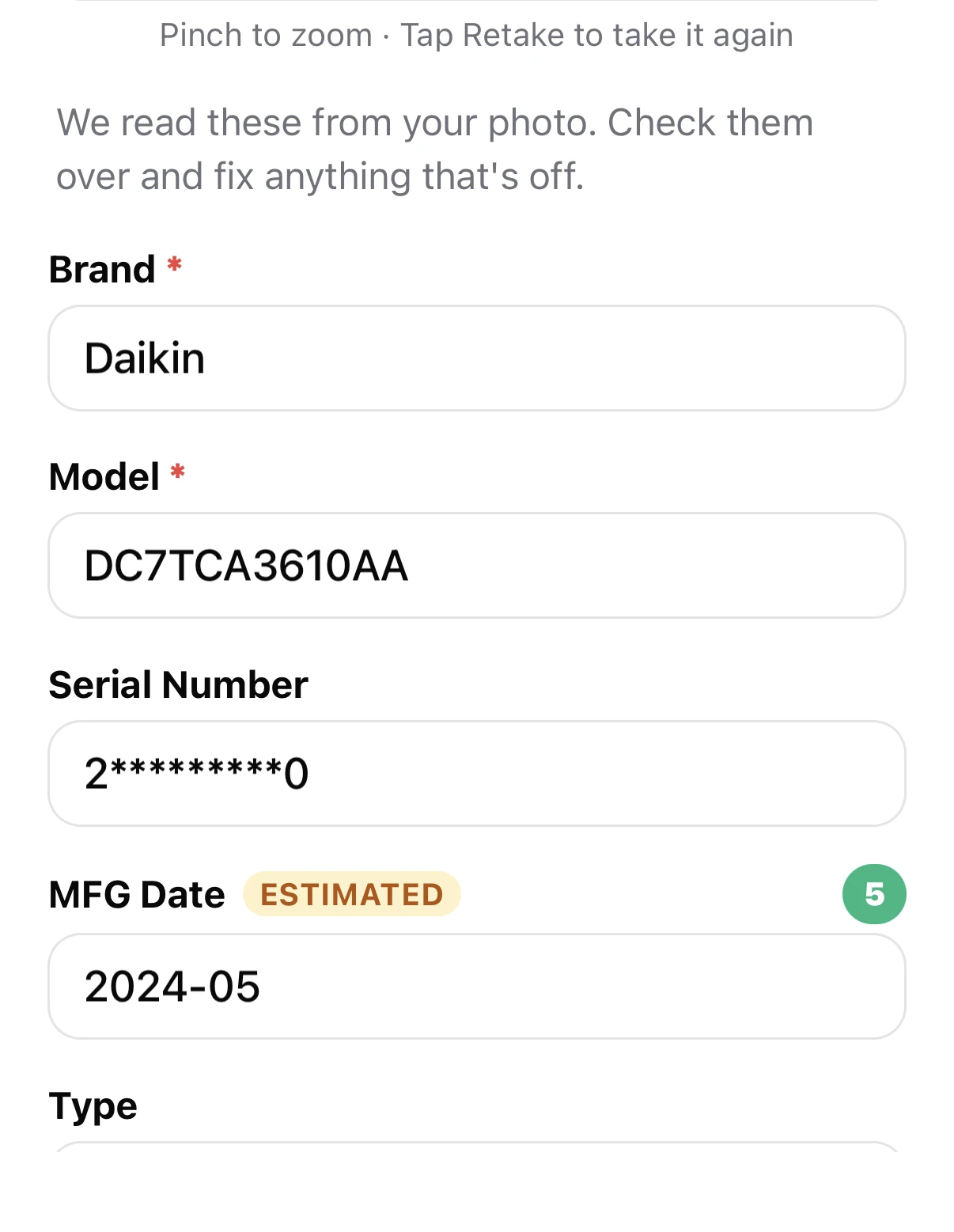
See Scan Free versus Scan Pro for internet and token use.
Reuse or remove a nameplate
In a diagnosis’s Equipment nameplate section, choose Use previous to attach a saved scan. Remove from diagnosis detaches it without deleting the saved record.
If a photo cannot be read, retake it with less glare or enter the equipment details manually. A personal diagnosis can start without a nameplate. For image retention, see data and privacy.