Enter the job details once with Site Info
Set the location, model, serial number, customer name, and report language that both the report and the invoice print from.
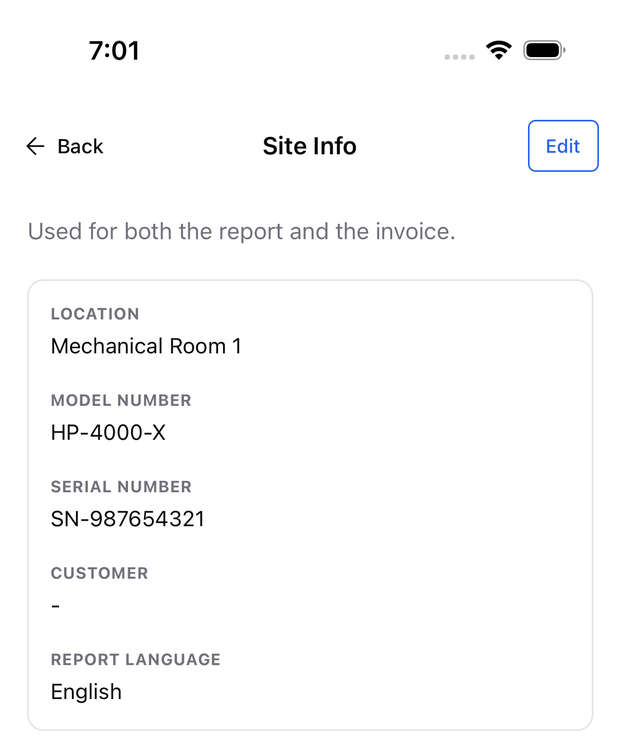
Site Info supplies the customer, location, equipment details, and language for the report and invoice. Edit it once to update both documents.
- Open Job Documents in the diagnosis.
- Tap the Site Info row or its pencil.
- Select Edit and enter the location, model, serial number, and customer.
- Check the report language and save.
Which fields do I need?
Location is required. Enter the service address that should appear on the PDFs. Model and serial numbers identify the equipment; Customer supplies the invoice’s bill-to line.
The report language is separate from the app language and controls both PDFs. Choose it before generating. To change the report language later, update Site Info and regenerate the report.
Can I correct details later?
Yes. Edit Site Info and save. The next PDF export uses the corrected address, customer, model, and serial number without generating a new report.
For the document steps, see create a report or create or edit an invoice.